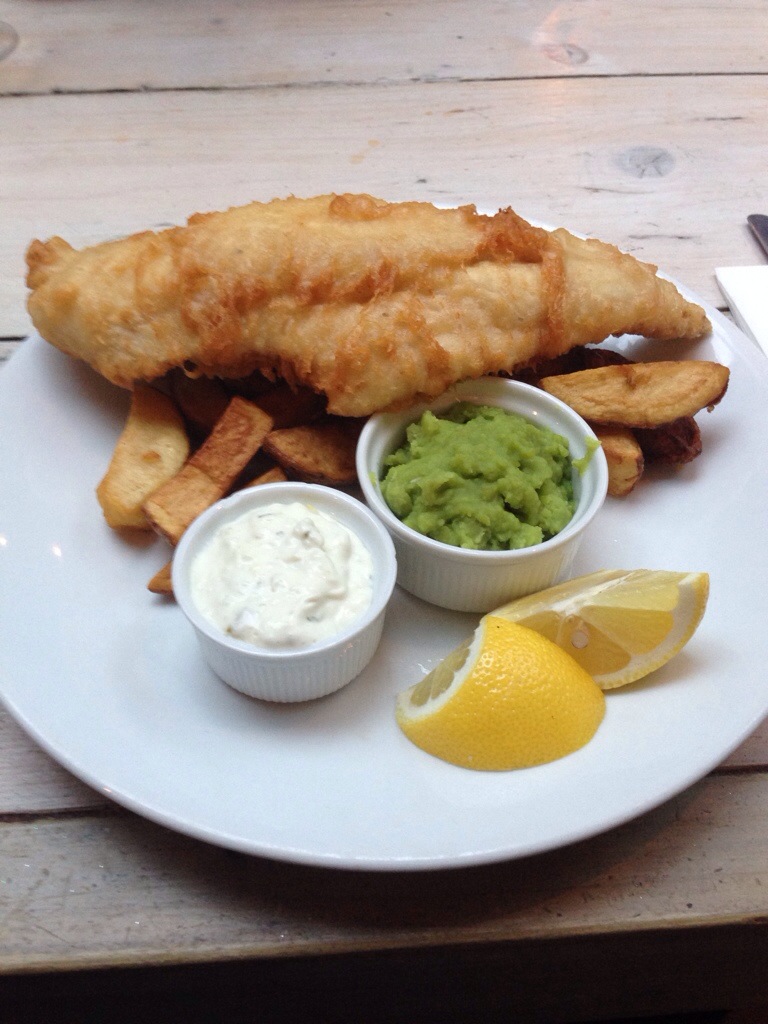
Location: Dunton Grill & Spice
Looks good.
IKEA July 12, 2014 at 08:33PM
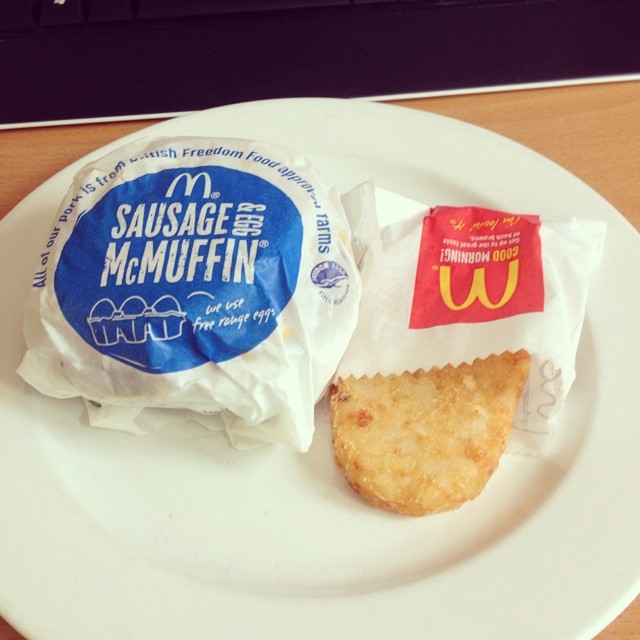
Lunch lol – from Instagram
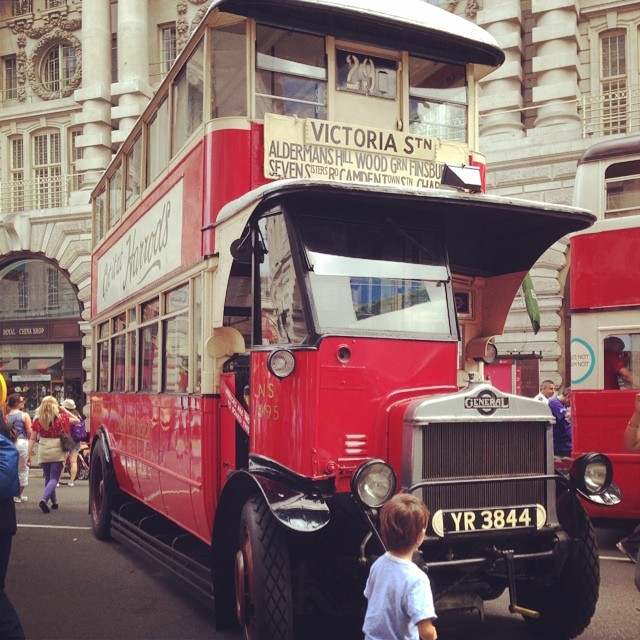
Old skool bus. – from Instagram
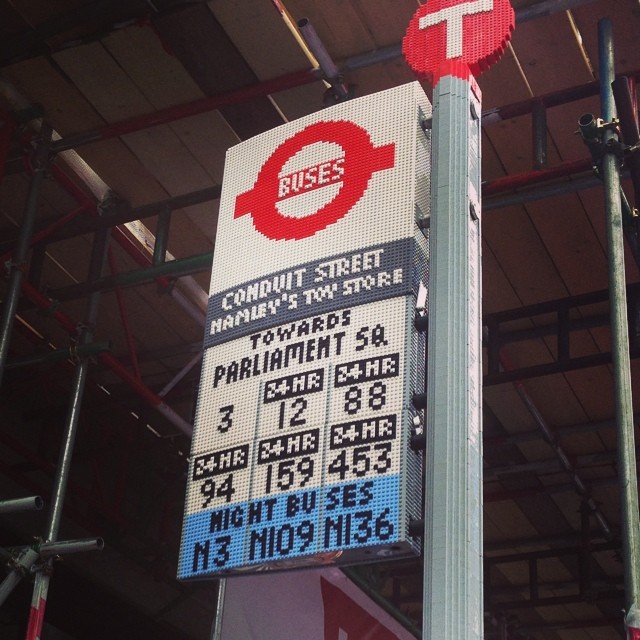
#lego bus stop.
Windows 8: Windows Store isn’t available on Windows To Go workspaces
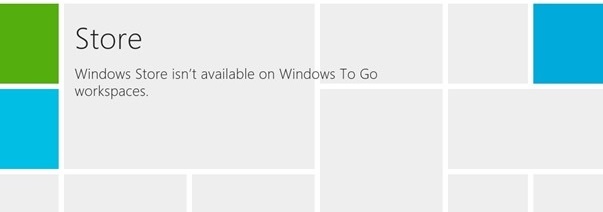
Cant Get into the windows store? are you getting the error “Windows Store isn’t available on Windows To Go workspaces”
Here’s hoe to fix it.
Press Windows Key + R combination, type put gpedit.msc in Run dialog box and hit Enter. This will open the Local Group Policy Editor.
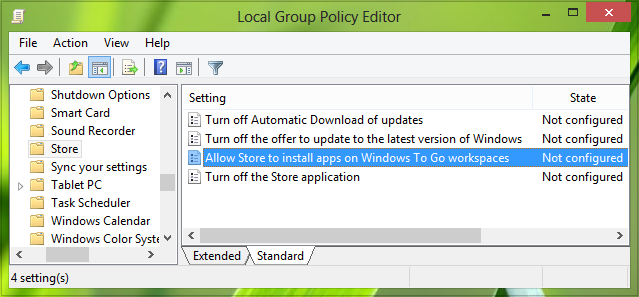
Click:
Computer Configuration -> Administrative Templates ->Windows Components -> Store
Double Click on “Allow Store to install apps on Windows To Go workspaces”
Then Click ENABLE
Then Click Apply.
This should fix the issue.
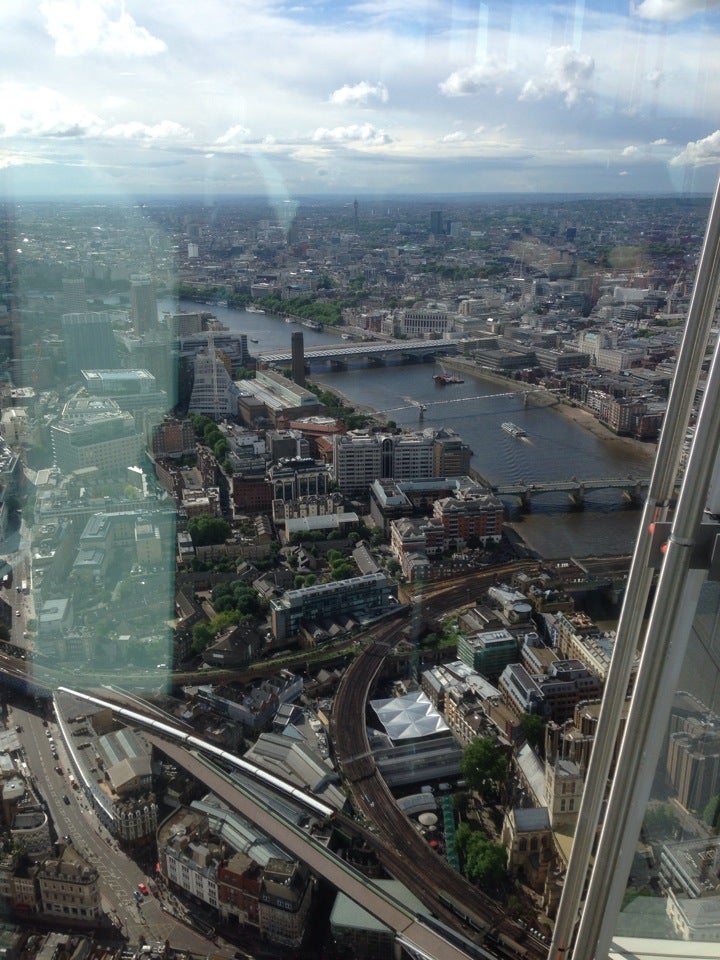
The View from The Shard May 26, 2014 at 08:36PM

The View from The Shard May 24, 2014 at 04:40PM
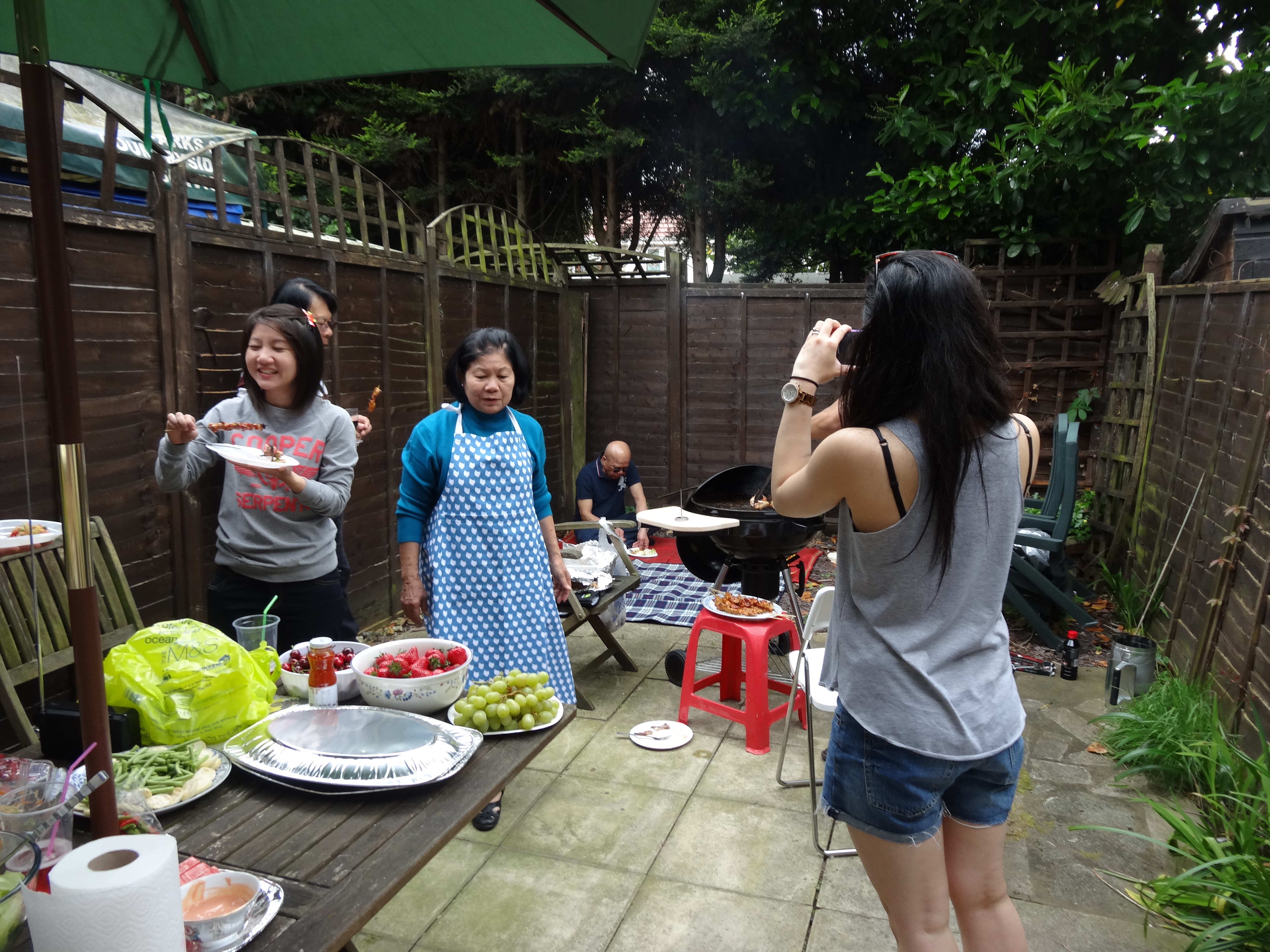
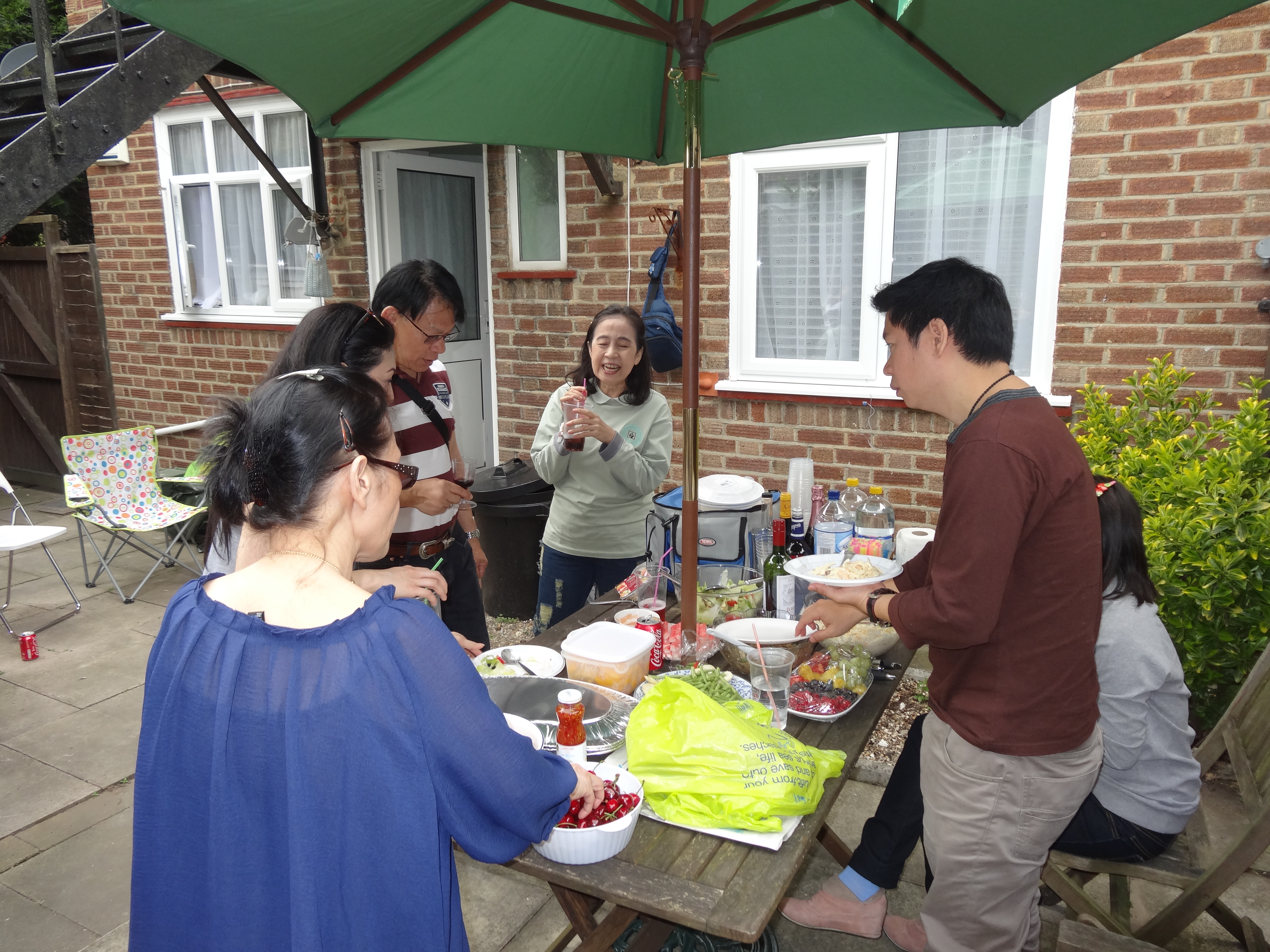
Family BBQ
family BBQ.
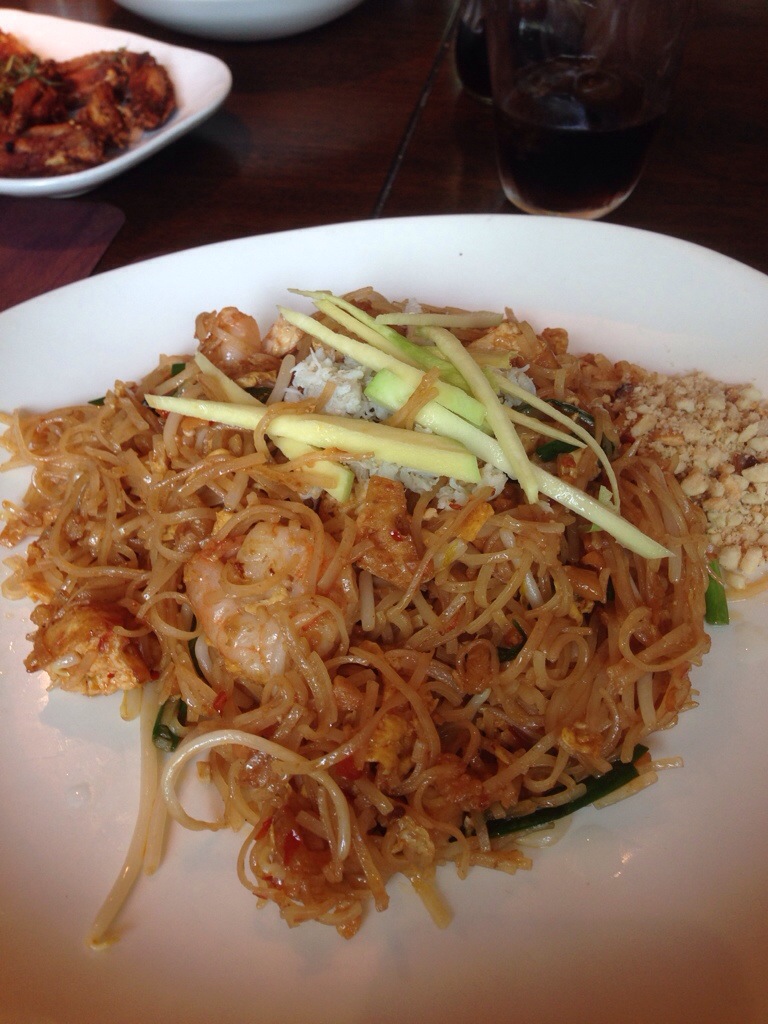
Busaba eathai
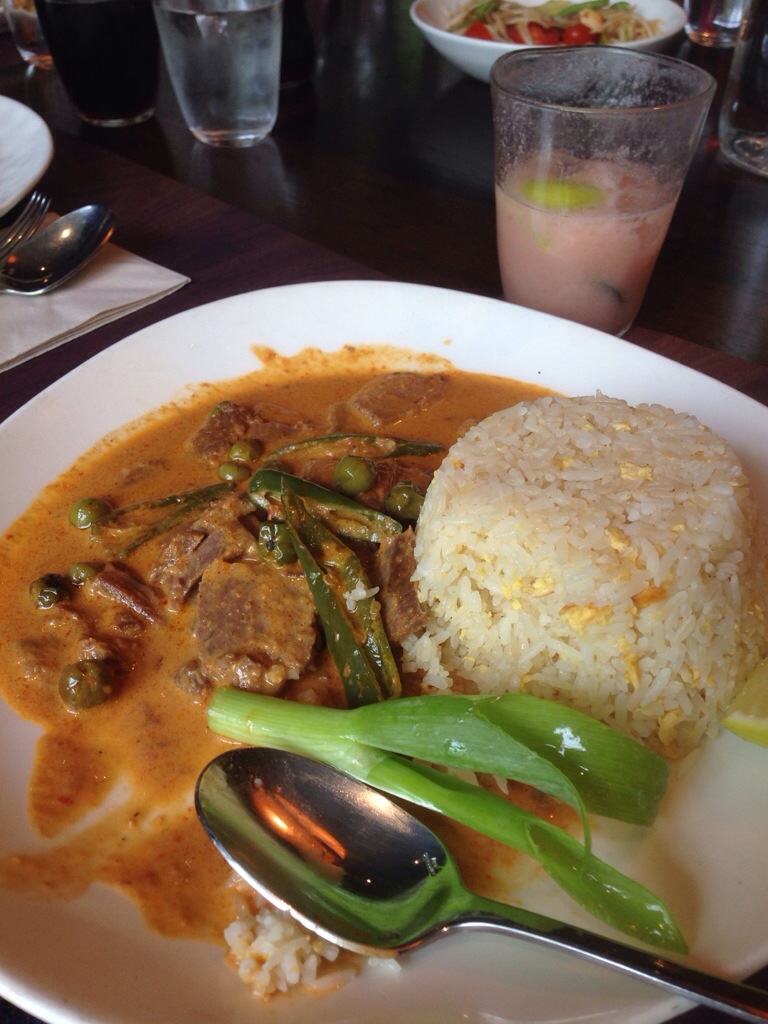
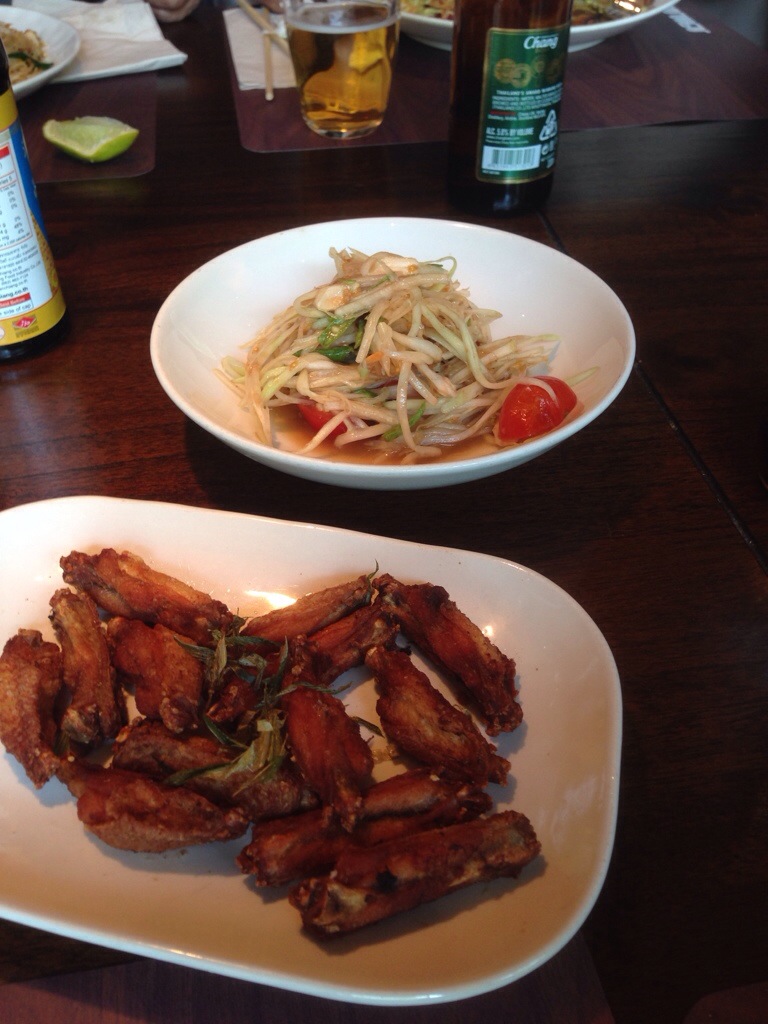
Joy King Lau May 09, 2014 at 09:13PM
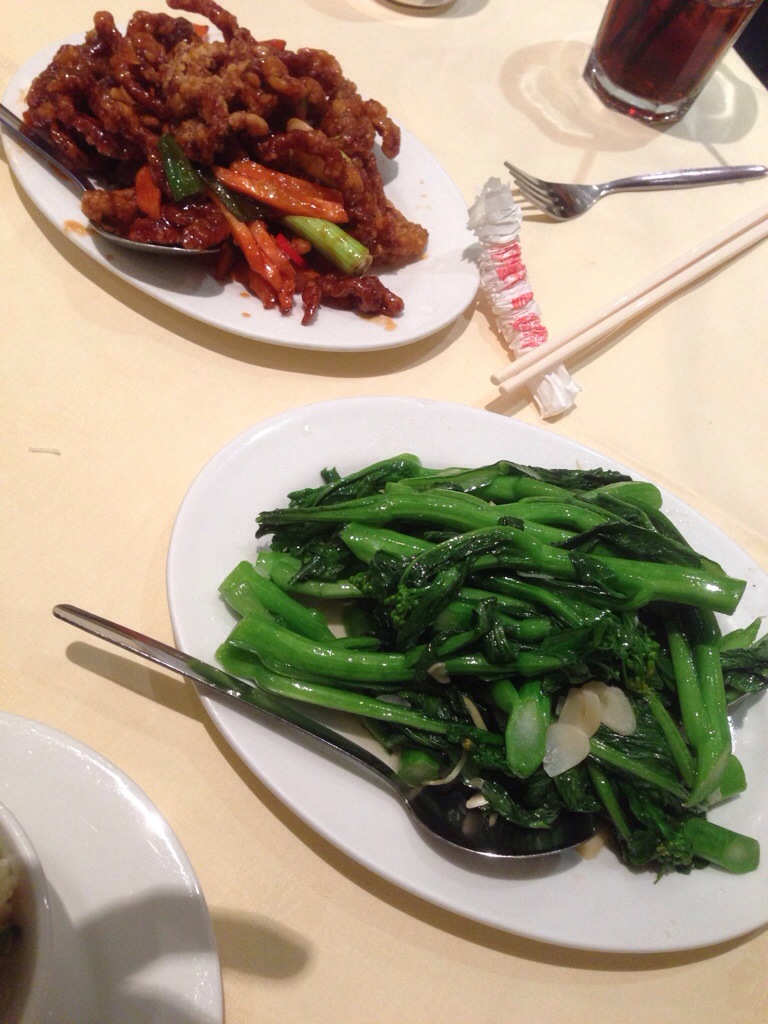
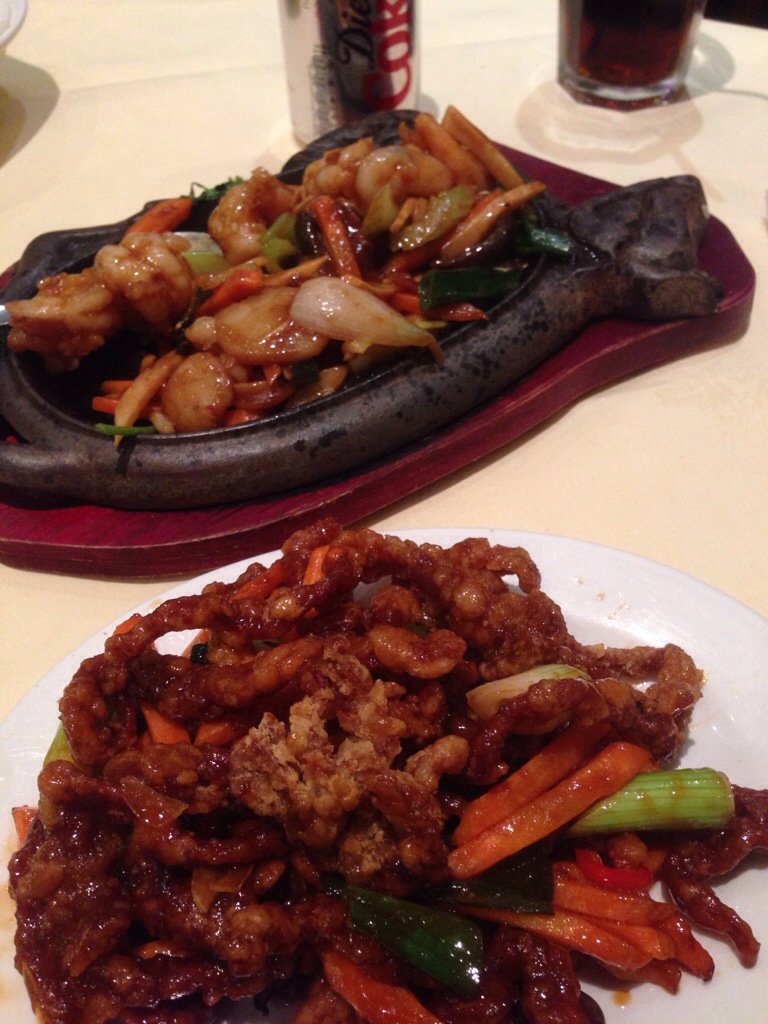
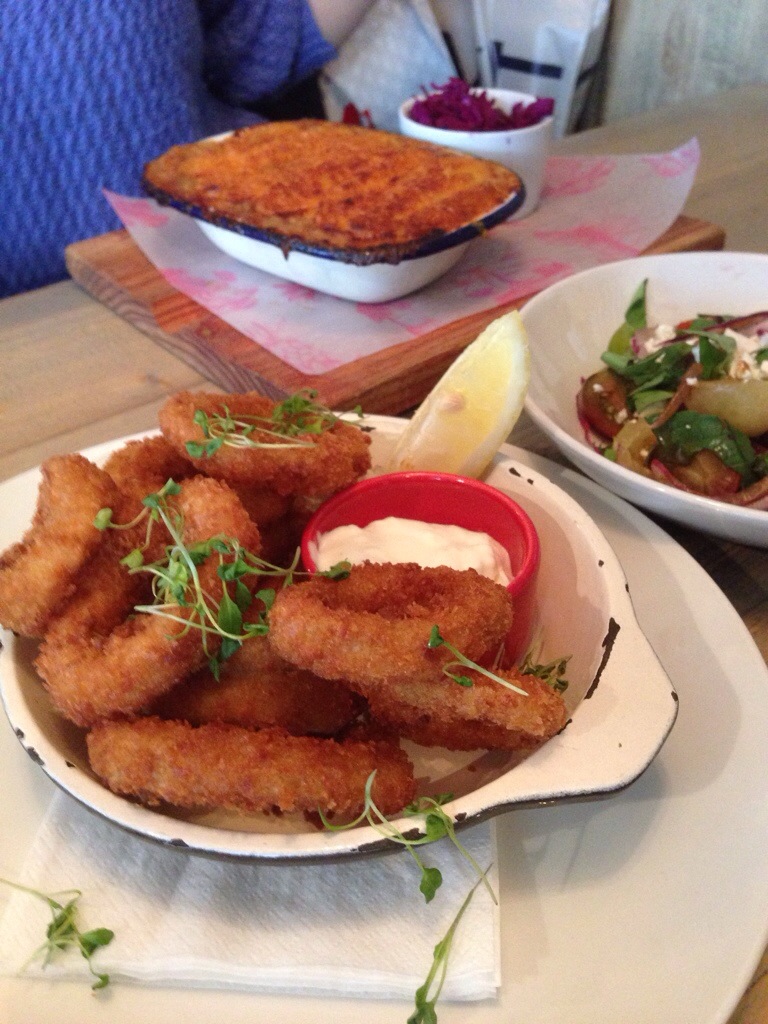
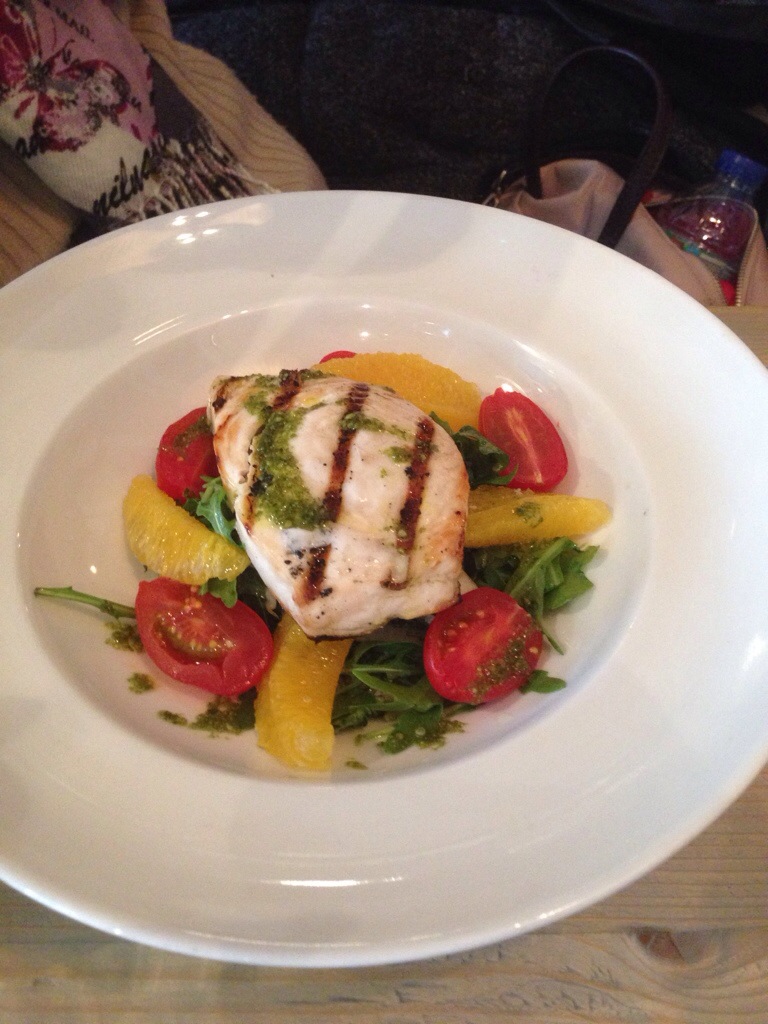
Bill’s Restaurant April 23, 2014 at 08:16PM
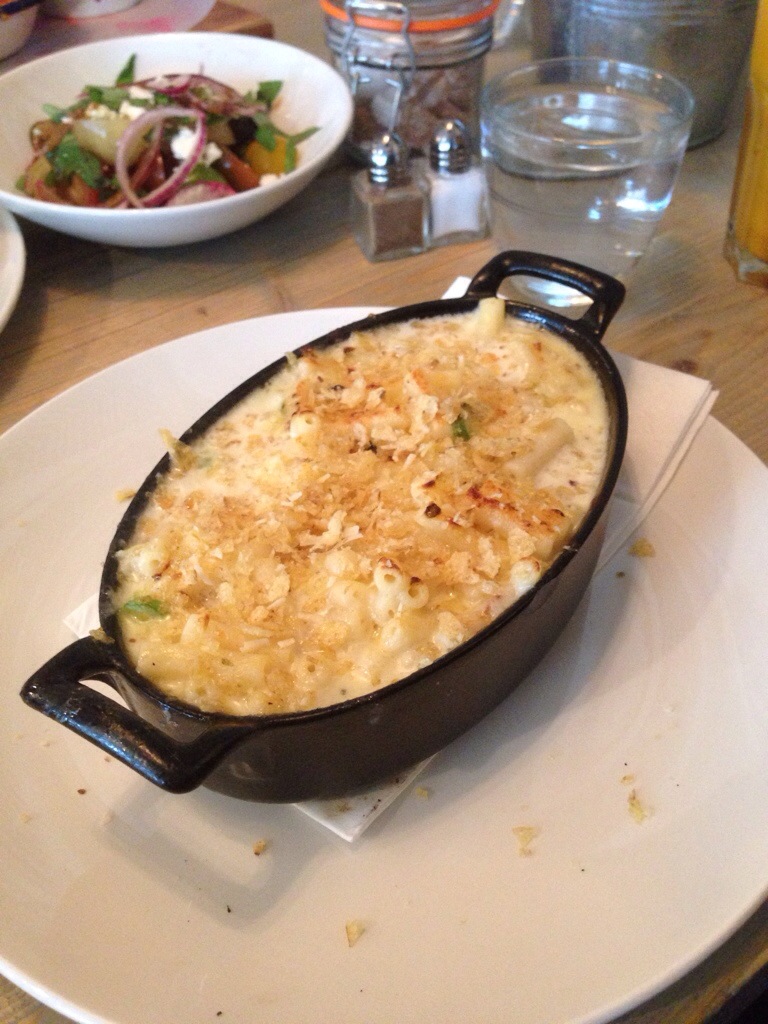
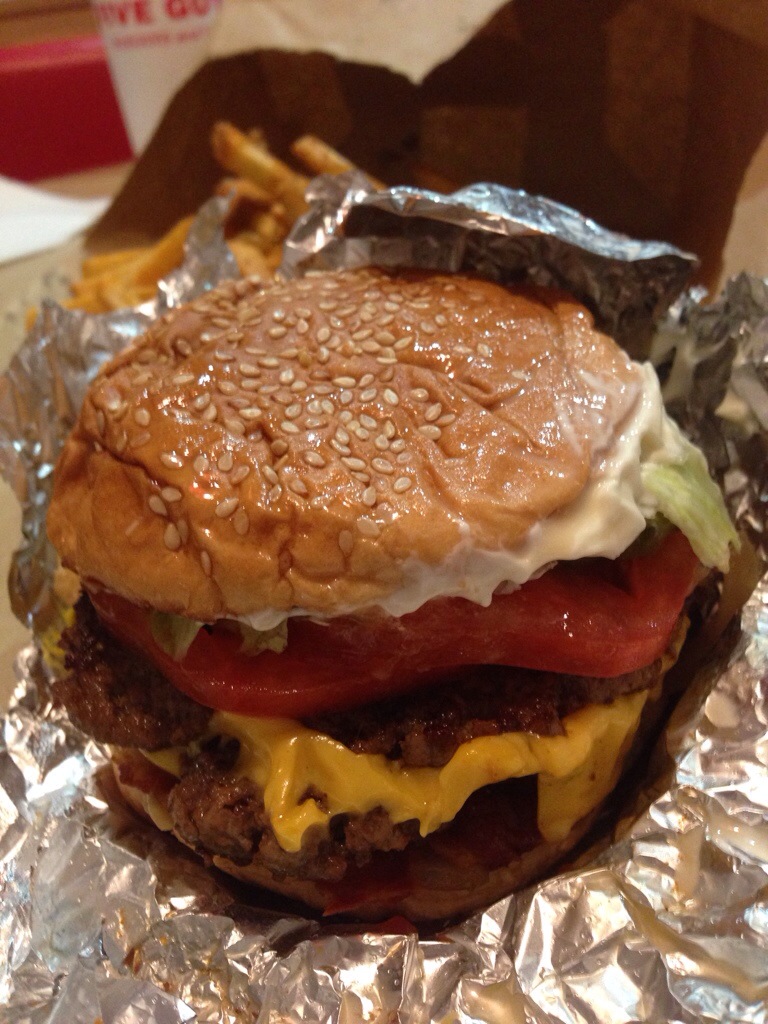
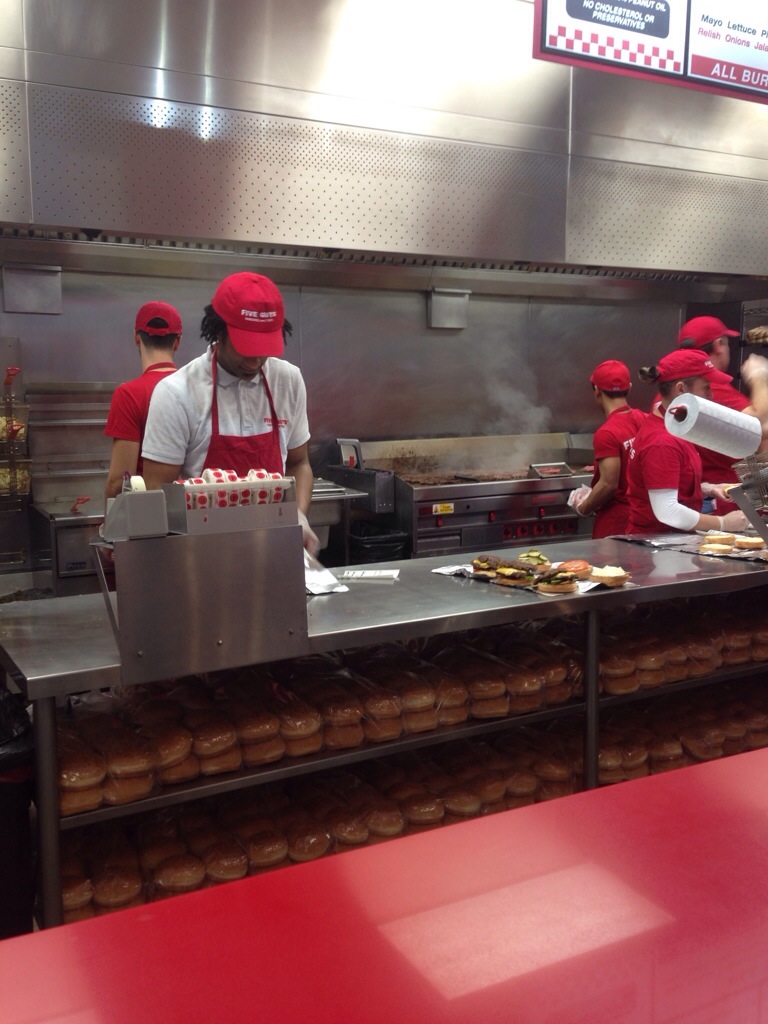
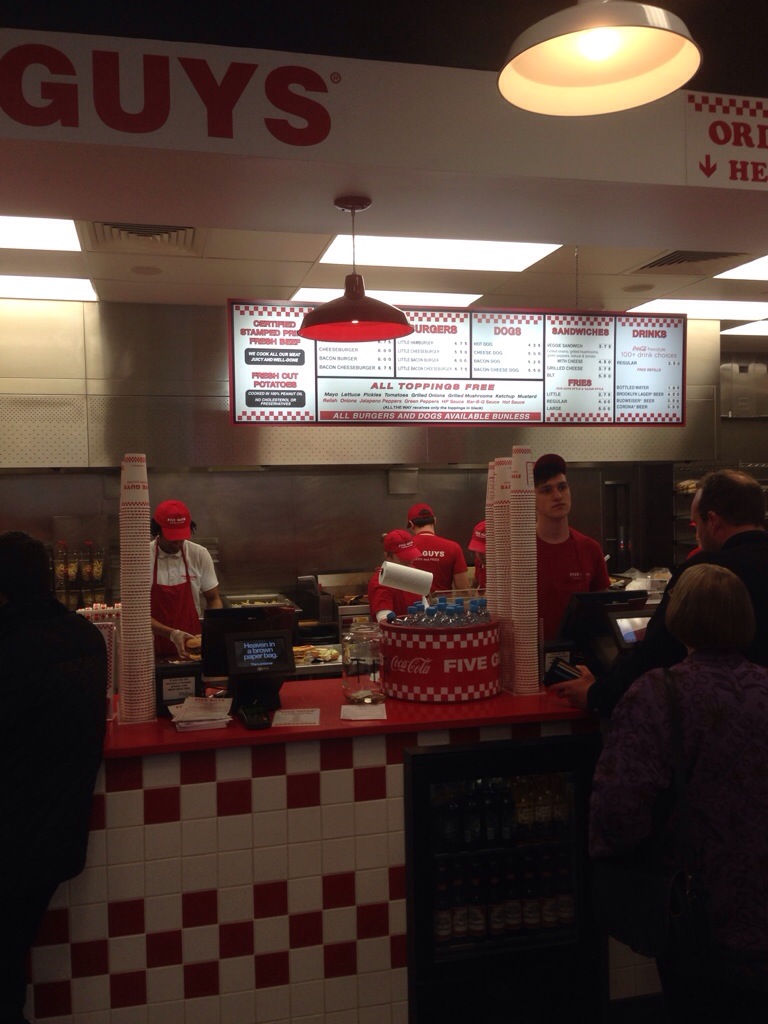
Five guys covent garden.
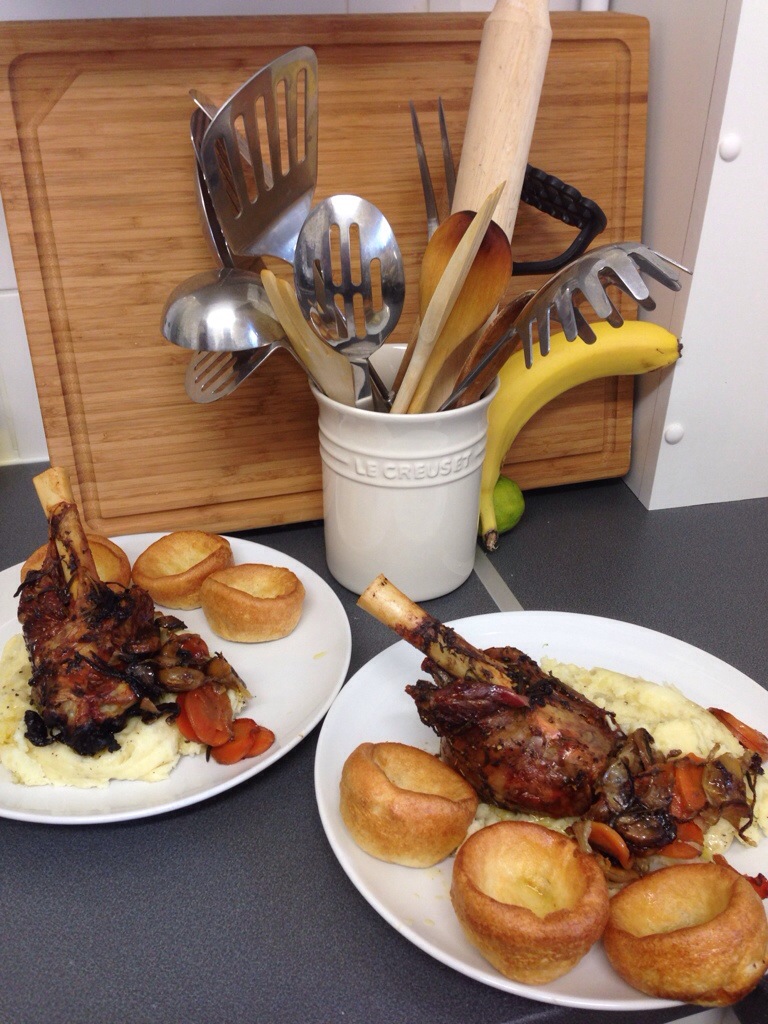
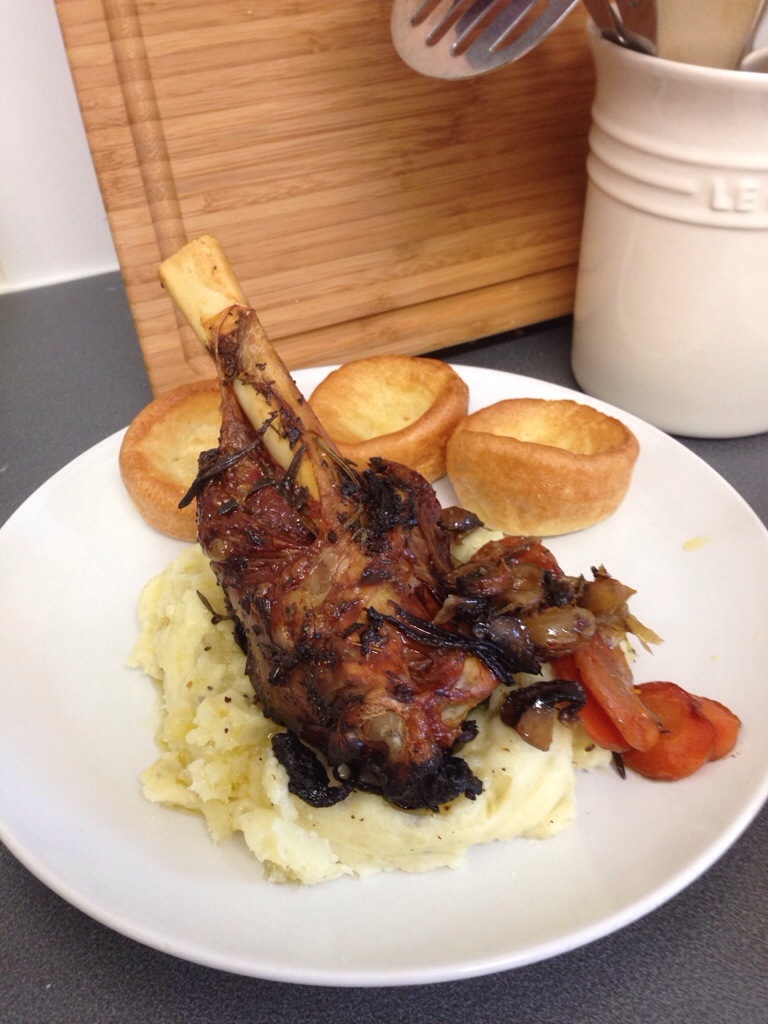
Home made lamb shank
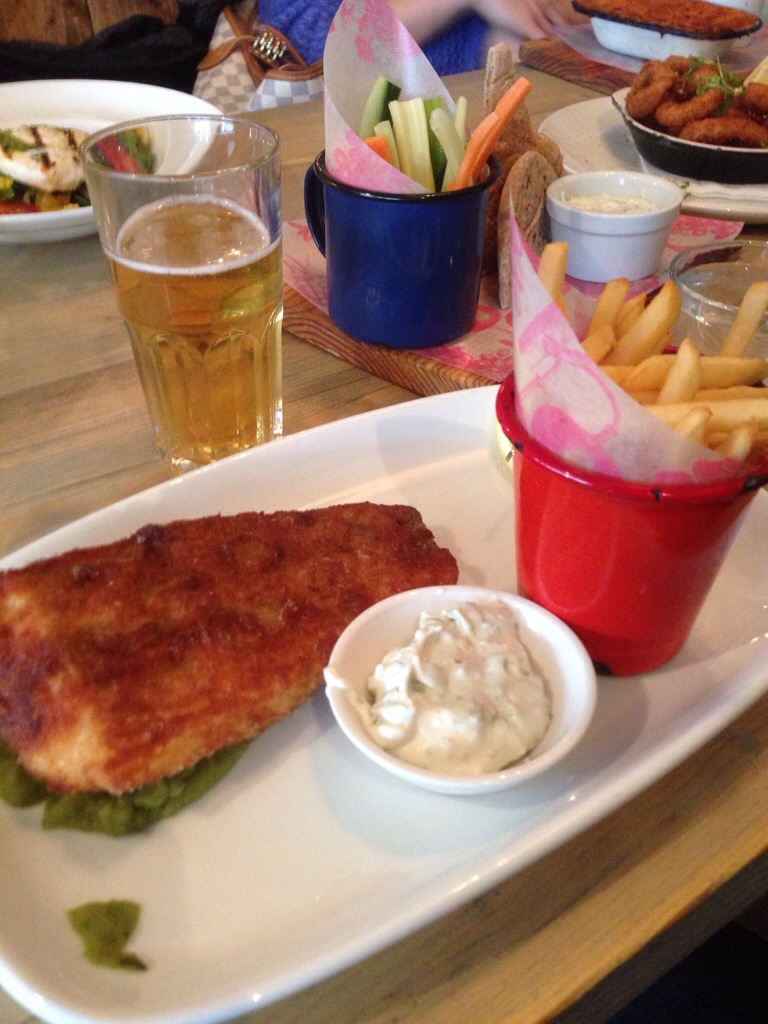
The paxton pub.
Not the best pub fish and chips I’ve had.