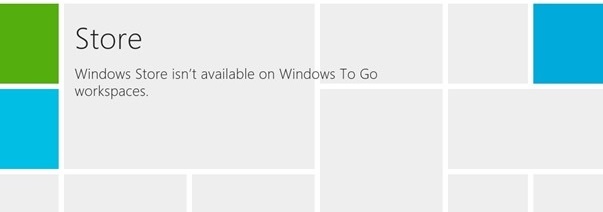
Cant Get into the windows store? are you getting the error “Windows Store isn’t available on Windows To Go workspaces”
Here’s hoe to fix it.
Press Windows Key + R combination, type put gpedit.msc in Run dialog box and hit Enter. This will open the Local Group Policy Editor.
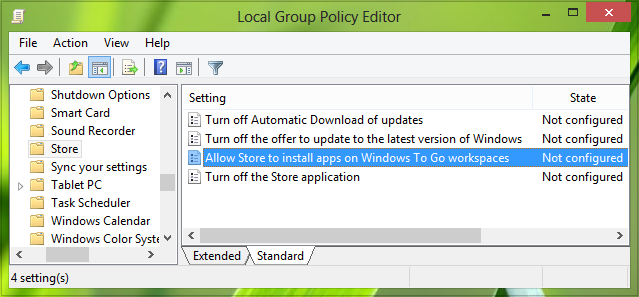
Click:
Computer Configuration -> Administrative Templates ->Windows Components -> Store
Double Click on “Allow Store to install apps on Windows To Go workspaces”
Then Click ENABLE
Then Click Apply.
This should fix the issue.